PeekX for Chrome: open X posts in one click.
A tiny browser extension that sends the X post or profile you are looking at, or any X link you right-click, straight to PeekX. Read it without an account and save its media.

What does the PeekX Chrome extension do?
It adds a PeekX button to your toolbar. On an x.com or twitter.com post or profile, click it and choose Open in PeekX: the same page opens on peekx.app, where you can read the post, see its replies and save its videos, GIFs and images in original quality. You can also right-click any X link on any website and pick Open link in PeekX, or paste a link or @username into the popup. The extension never reads X pages, your cookies or your other tabs: it only reads the address of the tab you click it on and opens a new tab.
3 quick steps
Add PeekX to Chrome
Install it from the Chrome Web Store (coming soon). It also works in Edge, Brave, Opera and other Chromium browsers.
Open an X post or profile
Browse x.com as usual, or find an X link on any other site.
Click the PeekX icon
Choose Open in PeekX or Save video / images. Or right-click a link and pick Open link in PeekX.
Install
Add to Chrome · Coming soonUse the bookmarklet today
The extension is waiting for review in the Chrome Web Store. Until it is listed, the PeekX bookmarklet does the same job from your bookmarks bar, with no install.
One click from X to PeekX
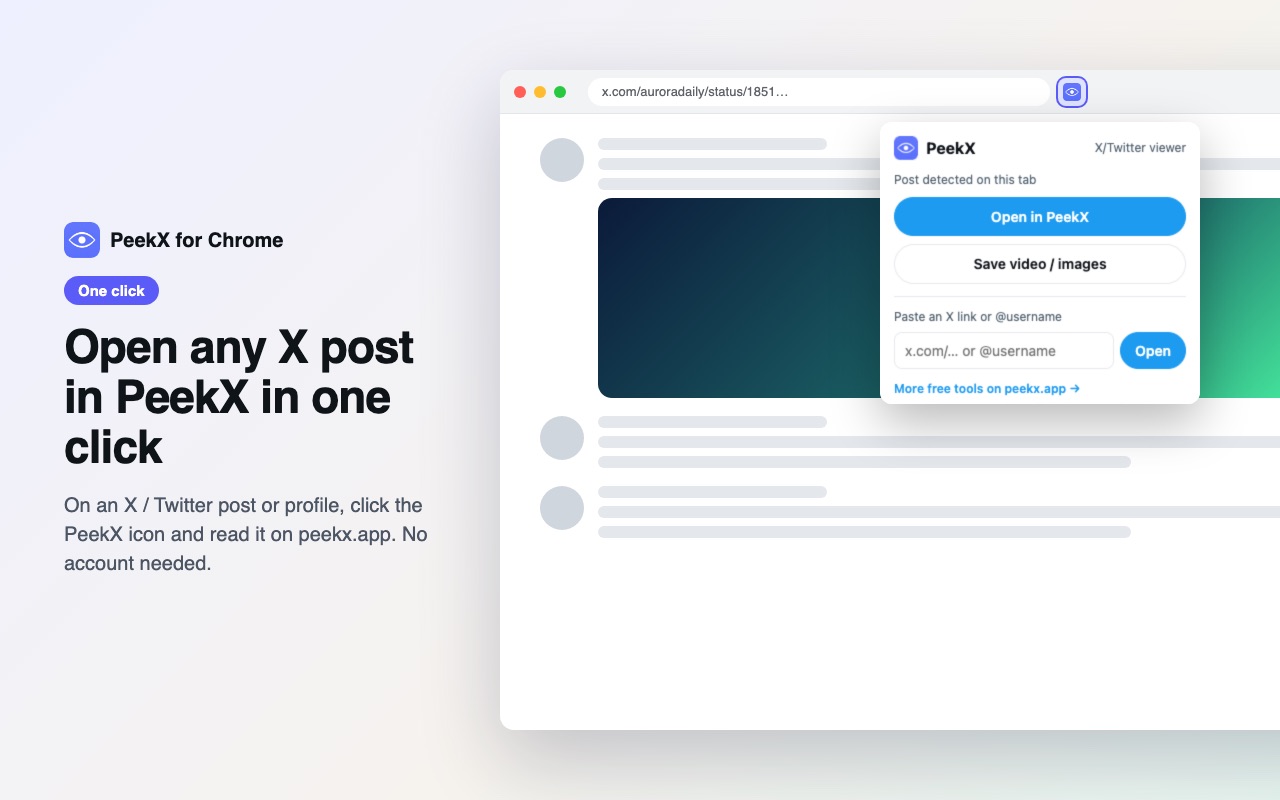
When the current tab is an X post, the popup offers Open in PeekX and Save video / images; on a profile it opens the profile. Extra parts of the address, such as /photo/1 or ?s=20, are dropped. Links from mirrors like fxtwitter, vxtwitter, fixupx, xcancel and Nitter work too.
Save videos, GIFs and images
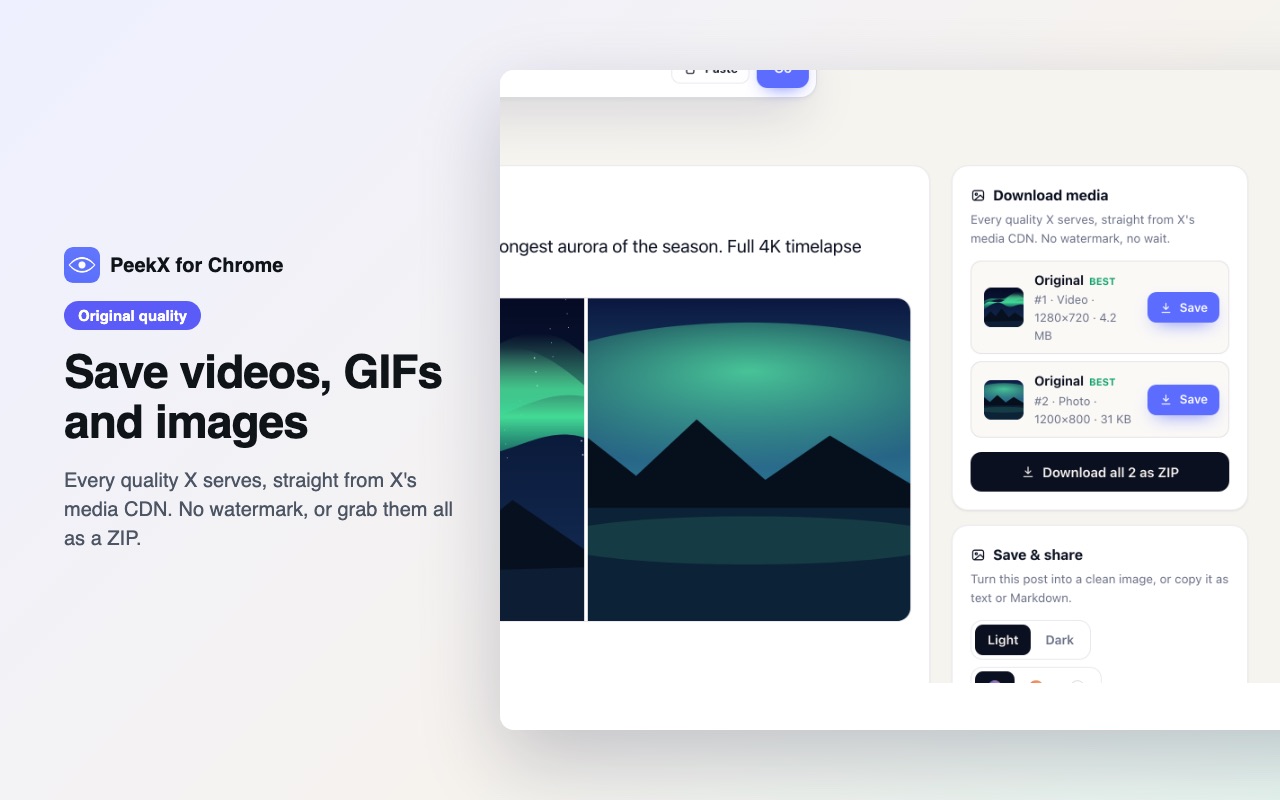
The post opens on PeekX with its download panel: every quality X serves, straight from X's media CDN, with no watermark, plus a ZIP of all files. See the Twitter video downloader for details.
Right-click any X link
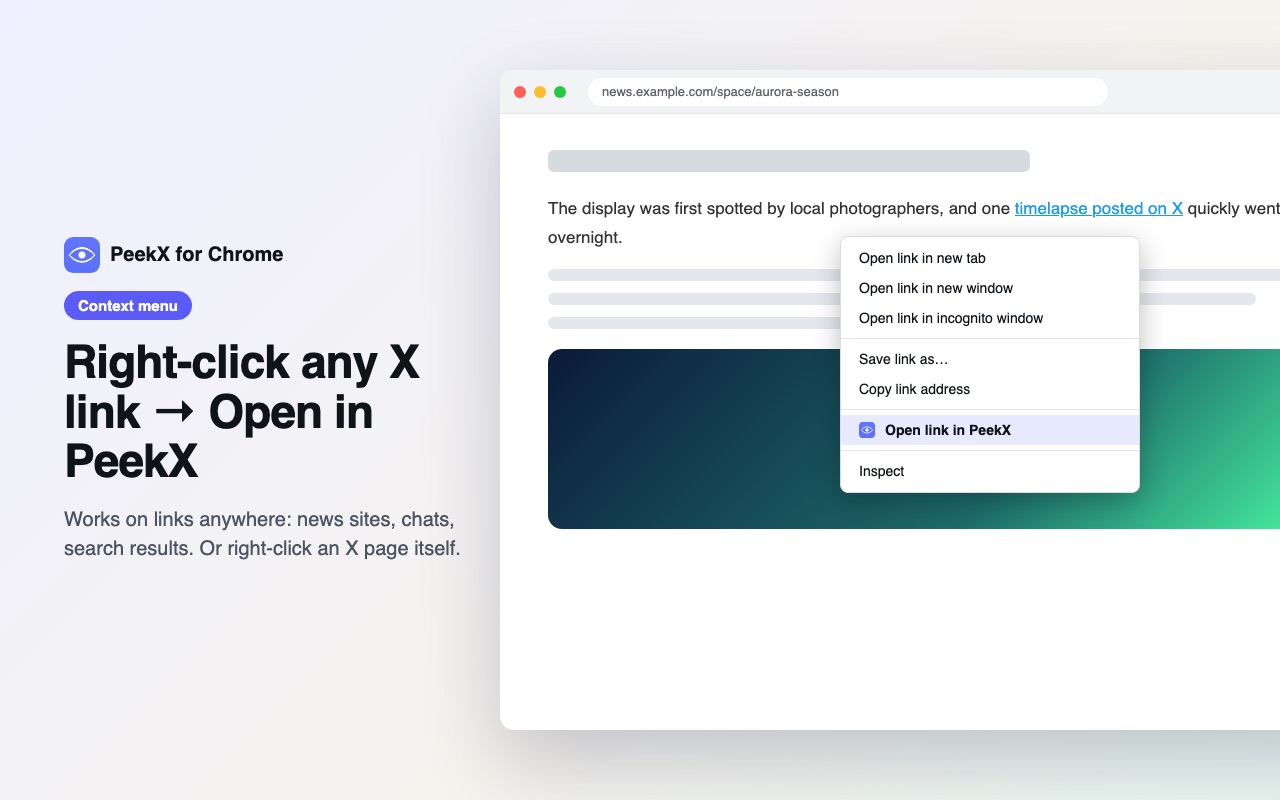
News articles, chats and search results often link to X posts that ask you to log in. Right-click the link and choose Open link in PeekX. On an X page itself, right-click anywhere and choose Open this page in PeekX.
Permissions and privacy
- activeTab: lets the popup read the address of the tab you clicked it on, only at that moment.
- contextMenus: adds the two right-click items.
No access to all websites, no content scripts, no background tracking and no data collection. Links it opens carry a utm_source=chrome_extension tag so we can count visits from the extension in our anonymous analytics. Details in our privacy policy. PeekX is an independent tool and is not affiliated with X Corp.
Languages
The extension follows your browser language: English, Deutsch, Français, Español, Italiano and Português.
Frequently asked questions
Is the PeekX extension free?
Yes. The extension is free and so is viewing and downloading public posts on PeekX.
Which browsers does it work in?
Chrome and every Chromium browser that installs from the Chrome Web Store: Edge, Brave, Opera, Vivaldi and Arc.
Does it log me in to X or use my account?
No. It never touches your X session or cookies. It only opens the matching PeekX page in a new tab.
Can it open private accounts?
No. PeekX shows only public posts and profiles; protected accounts are never accessed.
When will it be available?
It has been submitted to the Chrome Web Store. Until it is listed, use the PeekX bookmarklet, which works the same way.